Immersive Ambience · No Hardware Required
Your game's colors, alive on every screen.
Real-time ambient light — with monitors you already own.
Scroll to see it live

Your game's colors, alive on every screen.
Real-time ambient light — with monitors you already own.
The side monitors below are running LumaEdge right now — sampling the edge pixels of each scene and projecting the matching gradient in real-time.
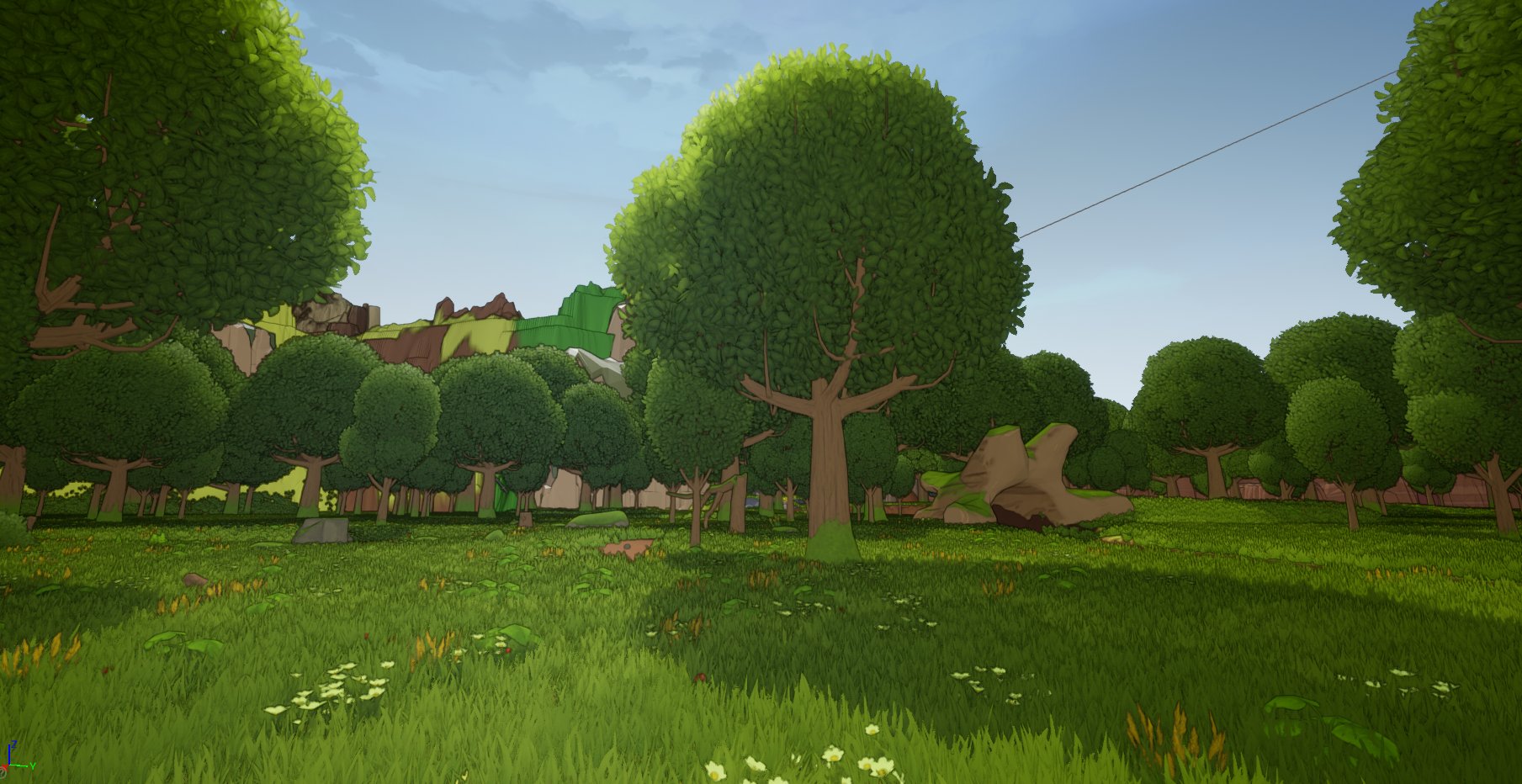
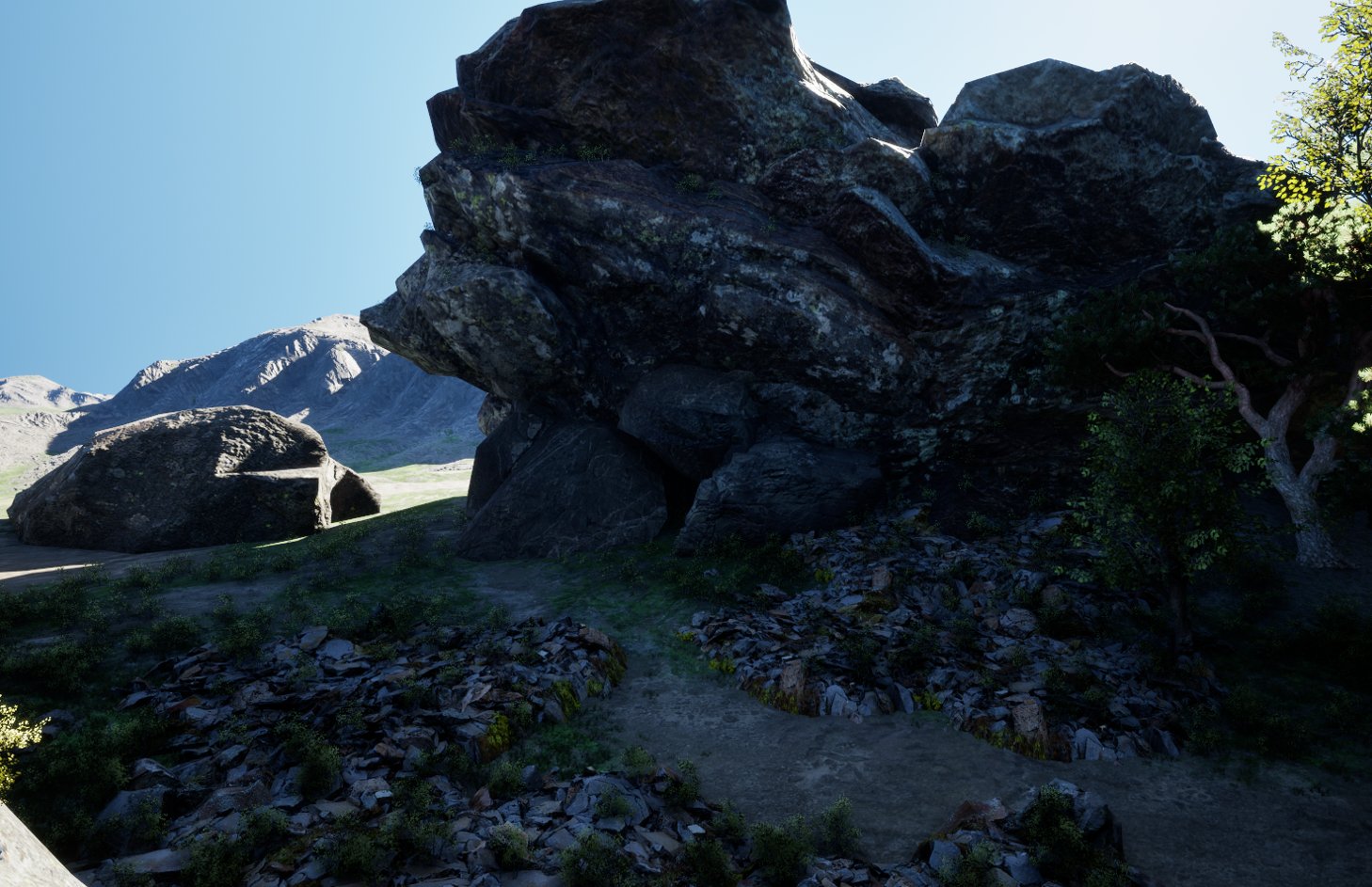
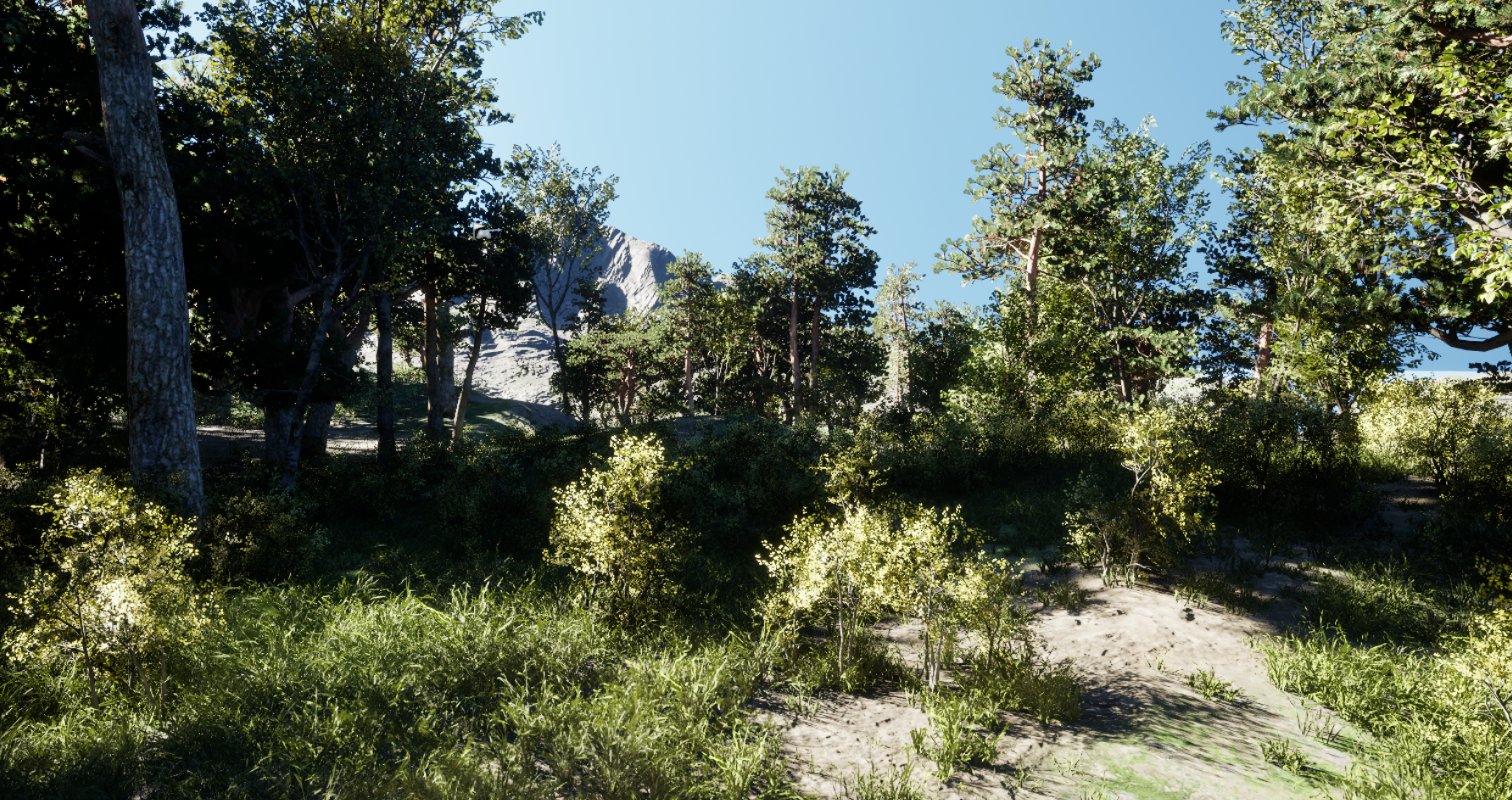
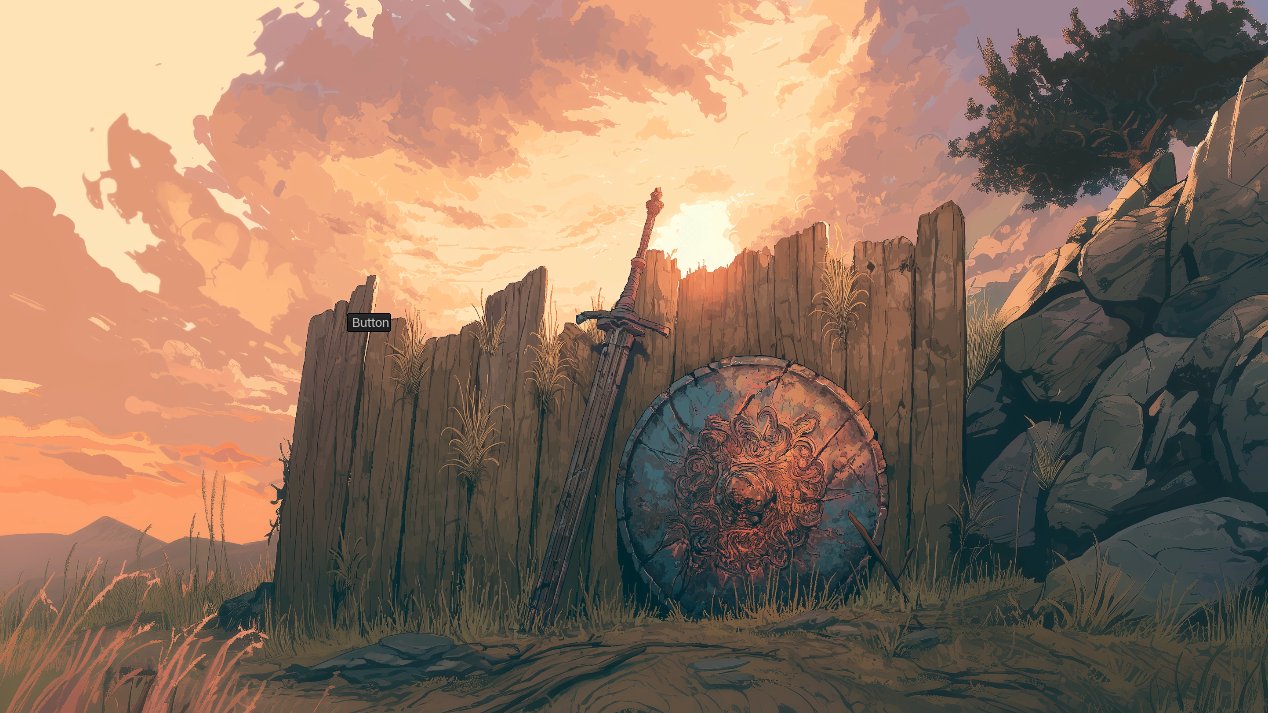
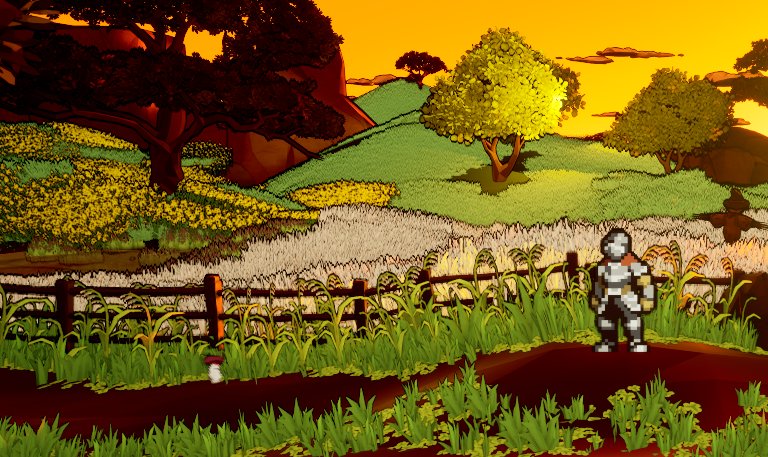
LumaEdge grabs a thin strip of pixels from the left and right edges of your main gaming monitor up to 60 times per second — with near-zero CPU overhead.
The raw pixel data is divided into up to 100 vertical bands per side, Gaussian-smoothed, color-corrected, and exponentially interpolated between frames.
A borderless, transparent gradient overlay is painted onto each side monitor using hardware-composited Windows APIs. Zero latency, zero window chrome.
Vertical color sampling that matches the exact gradient of your game's edges, not just one average color.
Fade to Wallpaper for a subtle glow, or Always Glow for a full ambient matte that fills the monitor.
Four built-in presets plus unlimited custom profiles. Export and share them as .lumaedge files.
Intensity, saturation, contrast, tint, reach, and edge softness — full control over the output.
Automatically activates when a game goes full-screen and pauses when you return to the desktop.
Plug in a new monitor mid-session and LumaEdge silently adapts — no restart needed.
One toggle and LumaEdge is always ready. It lives in your system tray and gets out of your way.
Download, double-click, done. No drivers, no bloat, no dependencies — everything is self-contained.
One app. Your existing monitors. A completely different way to experience everything.