Immersive Ambience  ·  No Hardware Required

LumaEdge

Your game's colors, alive on every screen.
Real-time ambient light — with monitors you already own.

Scroll to see it live
Live Demo

Watch Your Setup Come Alive

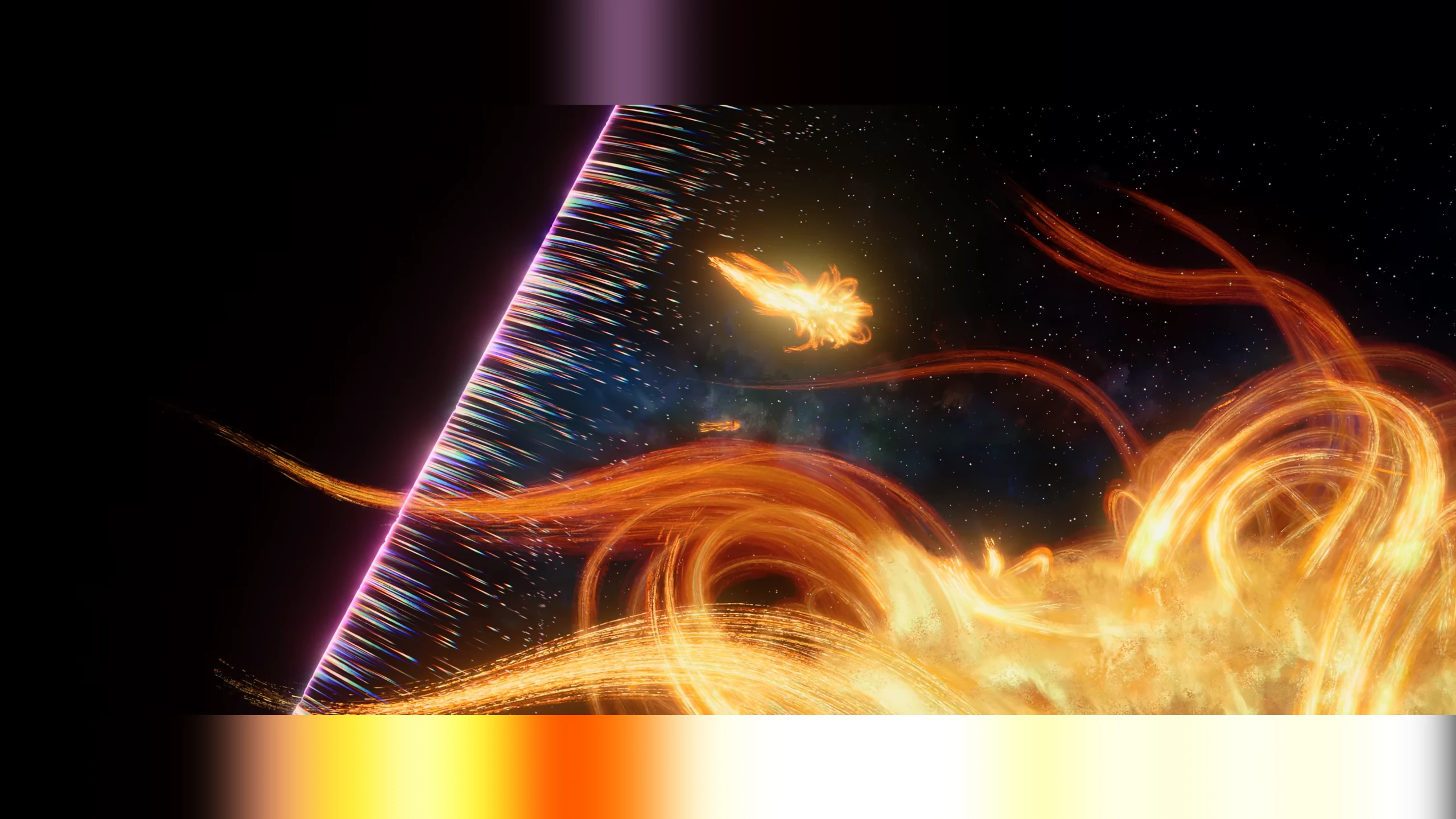
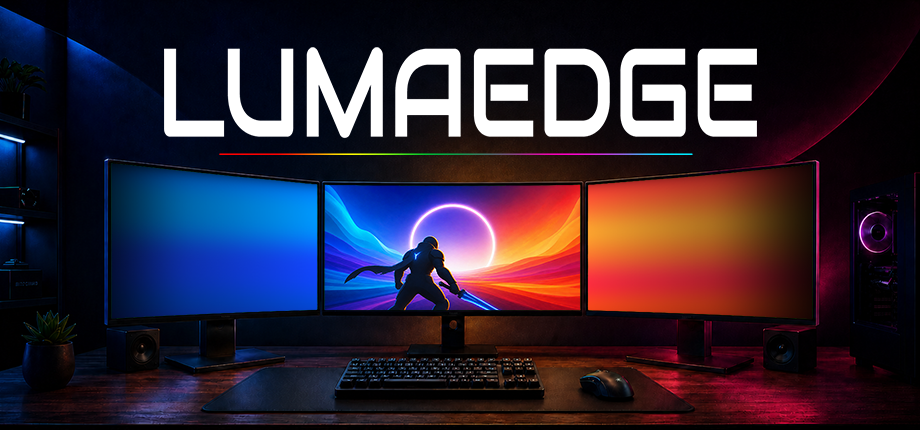
The side monitors below are running LumaEdge right now — sampling the edge pixels of each scene and projecting the matching gradient in real-time.

LumaEdge · Left Display
Stylized forest scene
01 — Any Art Style

Fantasy to Realism,
LumaEdge Adapts

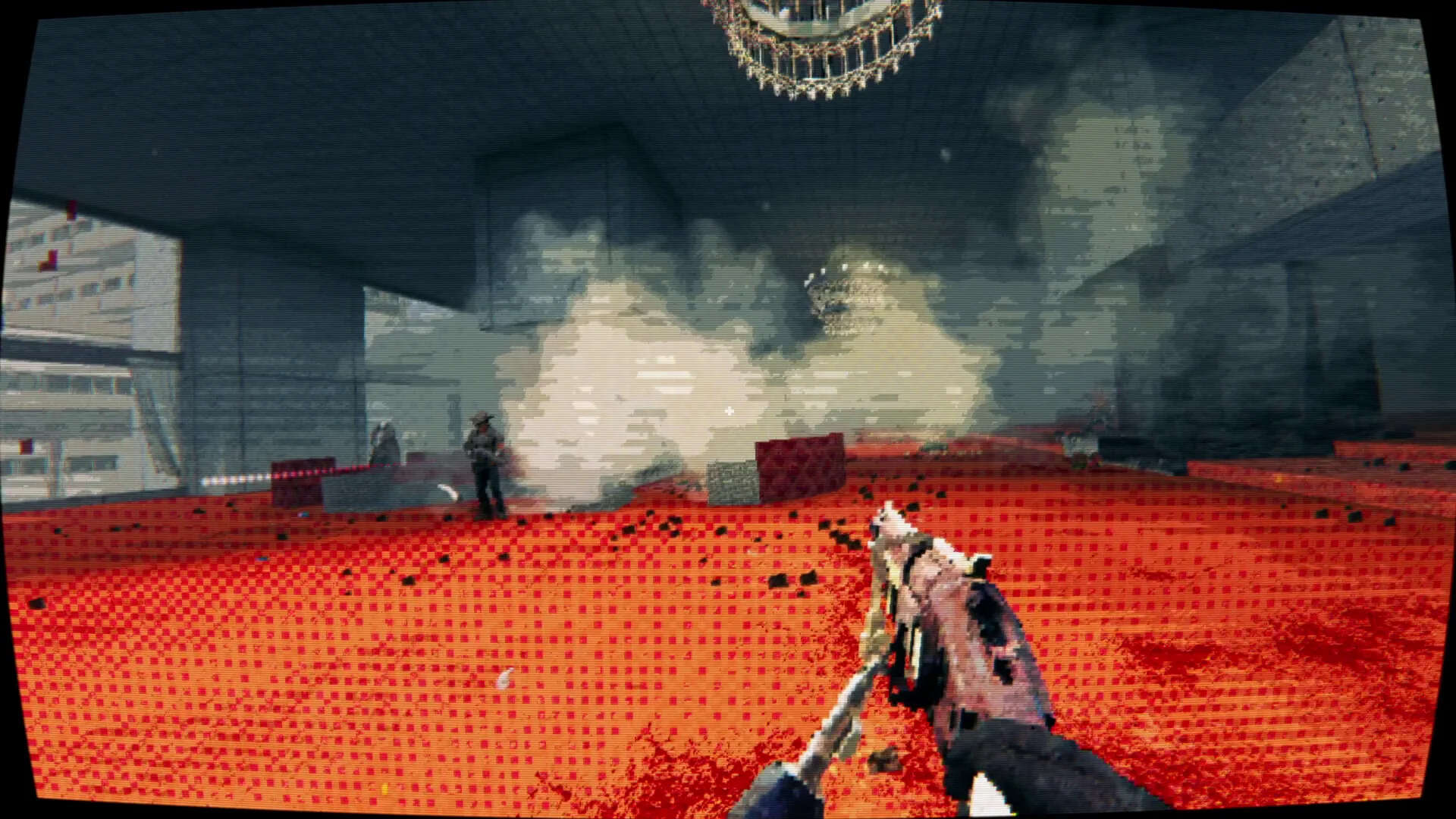
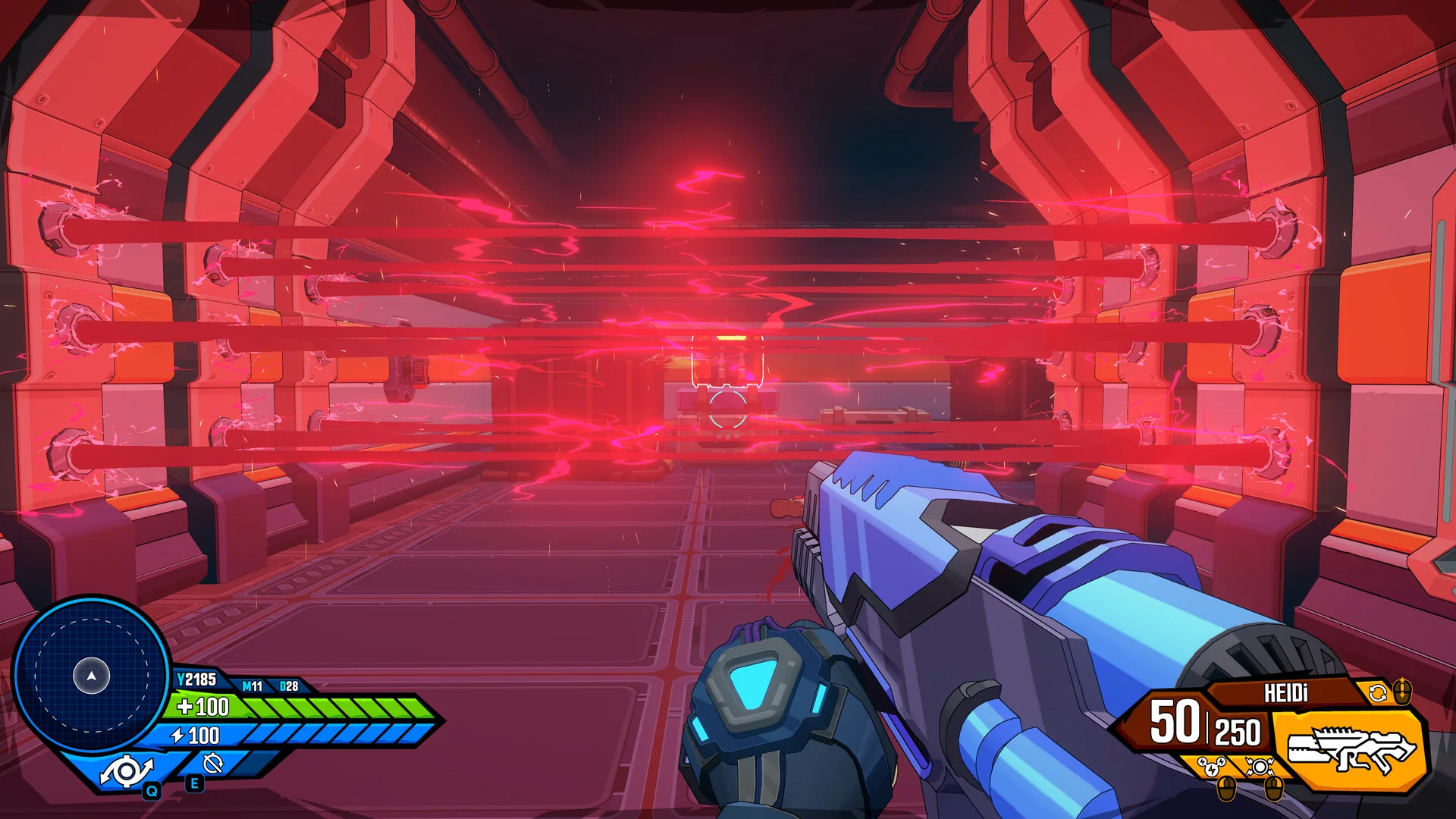
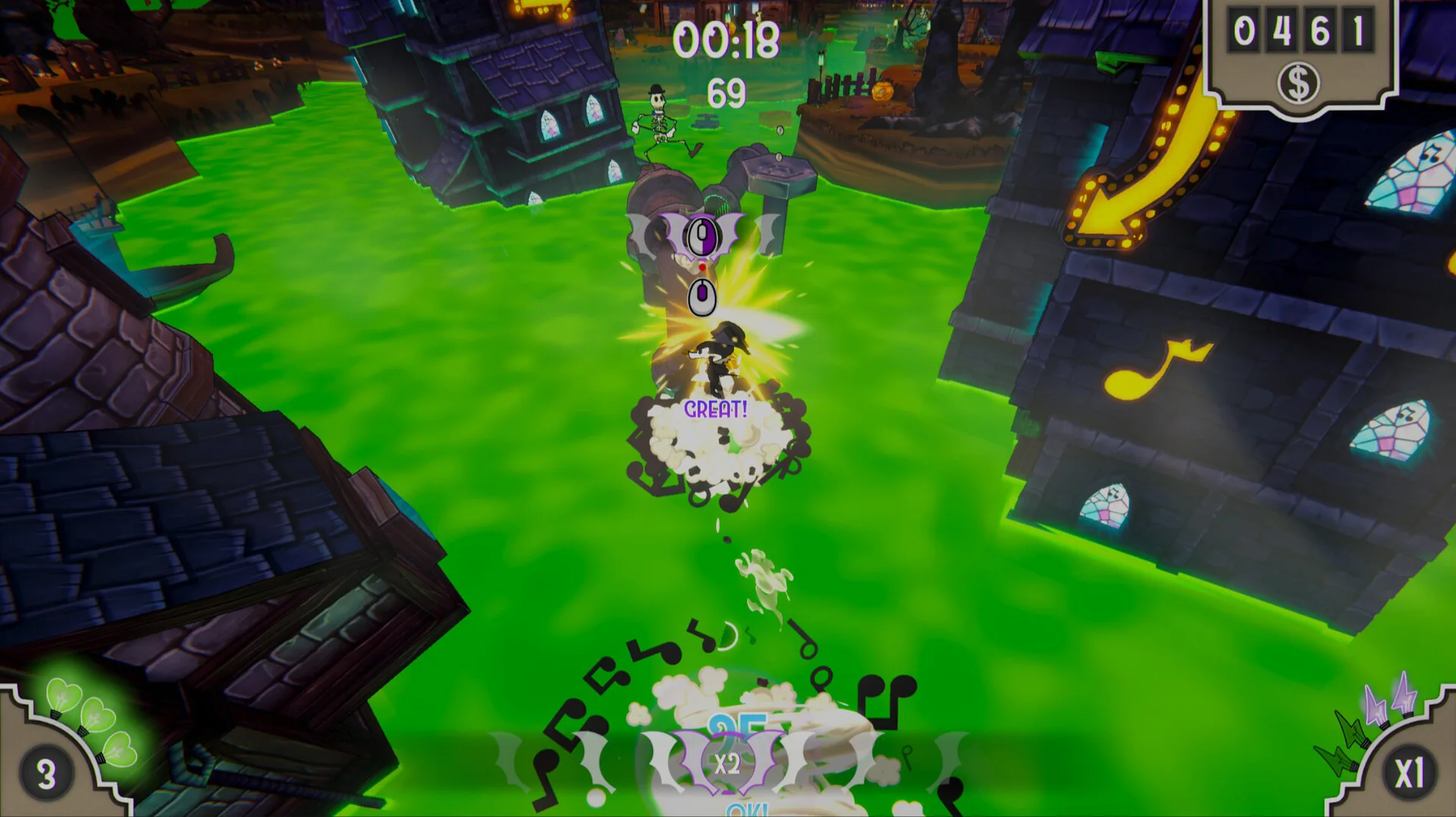
Stylized worlds, photorealistic landscapes, pixel art — LumaEdge samples your screen edge in real-time and matches whatever you're playing.

Dramatic rock formation
02 — Real-Time Sampling

60 Times a Second,
Edge by Edge

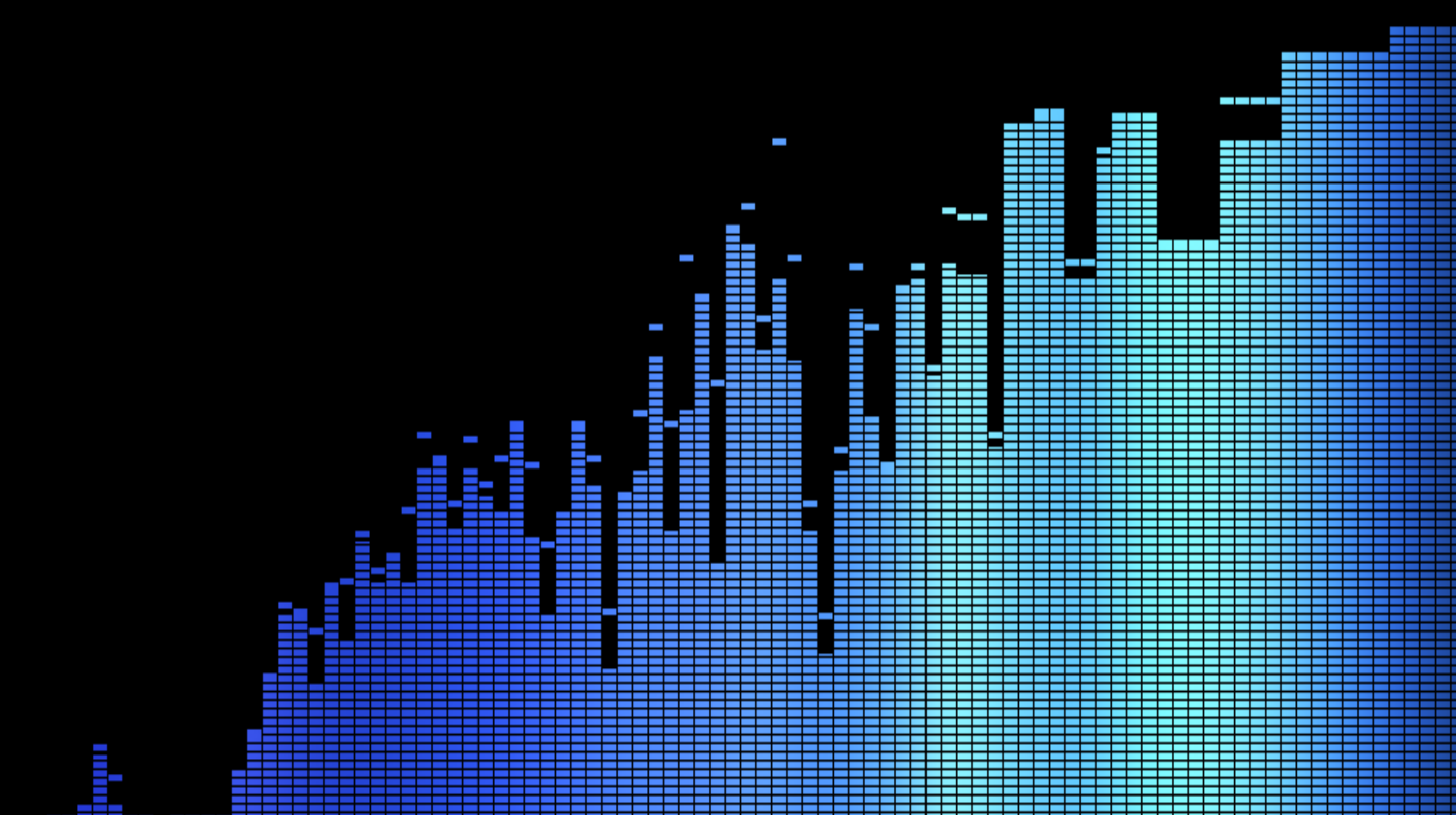
LumaEdge captures a strip of pixels from your monitor's edge up to 60fps, reading up to 100 vertical color bands per side for a precision gradient.

Photorealistic forest
03 — No Hardware

Your Monitors.
No Extra Equipment.

Forget LED strips and expensive hardware kits. LumaEdge is a single .exe that turns your existing side displays into a full immersive ambience system.

Cinematic sunset scene
04 — Cinematic Immersion

Feel the Scene,
Not Just See It

Golden hour bleeds into your peripheral vision. Explosions flash red. Night scenes go dark. Every moment is extended beyond your main screen.

Pixel art golden hour
05 — Set It and Forget It

Starts with Windows.
Works with Everything.

LumaEdge runs silently in the background, auto-starts with your PC, and activates for any full-screen content — games, films, streams, whatever's on screen.

LumaEdge · Right Display
Under the Hood

Three Steps.
Zero Complexity.

01
🎯

Capture

LumaEdge grabs a thin strip of pixels from the left and right edges of your main gaming monitor up to 60 times per second — with near-zero CPU overhead.

02
🎨

Process

The raw pixel data is divided into up to 100 vertical bands per side, Gaussian-smoothed, color-corrected, and exponentially interpolated between frames.

03

Project

A borderless, transparent gradient overlay is painted onto each side monitor using hardware-composited Windows APIs. Zero latency, zero window chrome.

Everything Included

Built for Gamers
Who Care About Detail

Up to 100 Color Bands

Vertical color sampling that matches the exact gradient of your game's edges, not just one average color.

Two Gradient Modes

Fade to Wallpaper for a subtle glow, or Always Glow for a full ambient matte that fills the monitor.

Profile System

Four built-in presets plus unlimited custom profiles. Export and share them as .lumaedge files.

Color Shaping Suite

Intensity, saturation, contrast, tint, reach, and edge softness — full control over the output.

Full-Screen Detection

Automatically activates when a game goes full-screen and pauses when you return to the desktop.

Monitor Auto-Reconfigure

Plug in a new monitor mid-session and LumaEdge silently adapts — no restart needed.

Starts with Windows

One toggle and LumaEdge is always ready. It lives in your system tray and gets out of your way.

Single .exe, No Install

Download, double-click, done. No drivers, no bloat, no dependencies — everything is self-contained.

Light Up
Your Setup

One app. Your existing monitors. A completely different way to experience games.

$ 7.99
One-time purchase  ·  Windows 10/11
Get LumaEdge on Steam Also available on Itch.io